
QR code generator: what QR codes are actually good for
Eighteen kinds of code, what each one is for, and why a free QR code generator that shows you the result first is worth more than one that asks for an email.
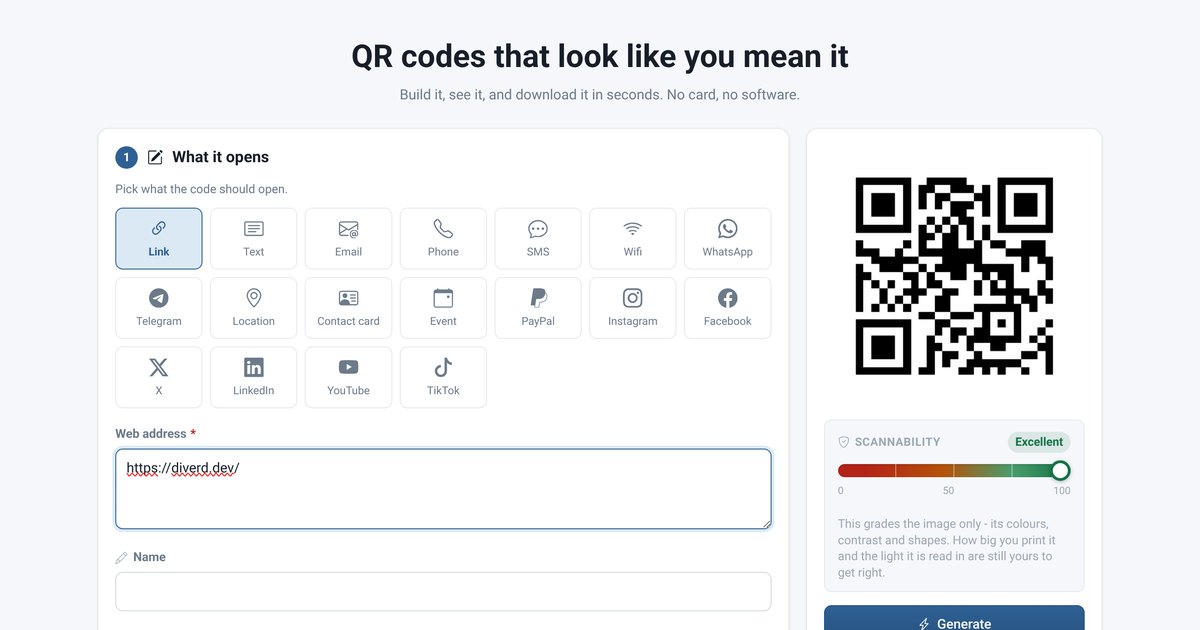
A QR code is a link you can point a camera at. That is the whole idea, and it is why the useful ones are boring: a poster in a window, a sticker on a machine, a card in a parcel. The code is not the product. It is the shortest path between something physical and something on a screen.
DIVERD QR Code Studio is a free QR code generator built around that: pick what the code should open, style it to your brand, and watch it appear beside the form as you type. No account needed to see it, no card, nothing to install.
Where a QR code actually earns its place
- A window or a door. Opening hours, the menu, the booking page. Somebody standing outside at nine in the evening does not want to type your name into a search engine.
- Printed material that cannot be updated. A flyer, a business card, a label. The paper is fixed; what the link opens does not have to be.
- Wifi in a café or a rental. A wifi QR code joins the network without anybody reading a password off a chalkboard letter by letter.
- On a machine or a meter. The manual, the service form, the part number — next to the thing itself rather than in a drawer.
- Payments and contact details. A PayPal link or a contact card that lands straight in the phone's address book, with no transcription errors.
- Events. A code on the ticket, the programme or the table card.
Where they do not earn their place: on a billboard beside a motorway, on television, or anywhere nobody can hold a phone still. A code nobody can scan is a decoration.
Eighteen kinds, and why the type matters
The studio builds eighteen types — link, plain text, email, phone, SMS, wifi, WhatsApp, Telegram, location, contact card, event, PayPal, Instagram, Facebook, X, LinkedIn, YouTube and TikTok.
The type is not cosmetic. A phone number encoded as a link opens a browser; the same number encoded as a phone code opens the dialler with the number already in it. A wifi code encoded as text shows the password as a string somebody has to retype. Picking the right type is the difference between one tap and four.
Making one that scans
Most QR codes that fail in the field fail for the same three reasons, and all three are avoidable:
- Not enough contrast. A pale code on a pale background is unreadable to a camera even when it looks fine on a monitor. The builder grades this as you work and says so before you print a thousand of them.
- Printed too small for the amount of data. More characters means a denser grid. A long tracking URL at business-card size is a code nobody can read. Shorten the link before you encode it.
- A logo covering the wrong part. A mark in the middle is fine — error correction is designed for exactly that — but the three corner squares are how a camera finds the code at all. Cover one and nothing scans.
The studio's scannability meter grades the image: colours, contrast, and the shapes. It cannot know how big you will print it or what light it will be read in, and it says so rather than pretending to.
Style it, but not too much
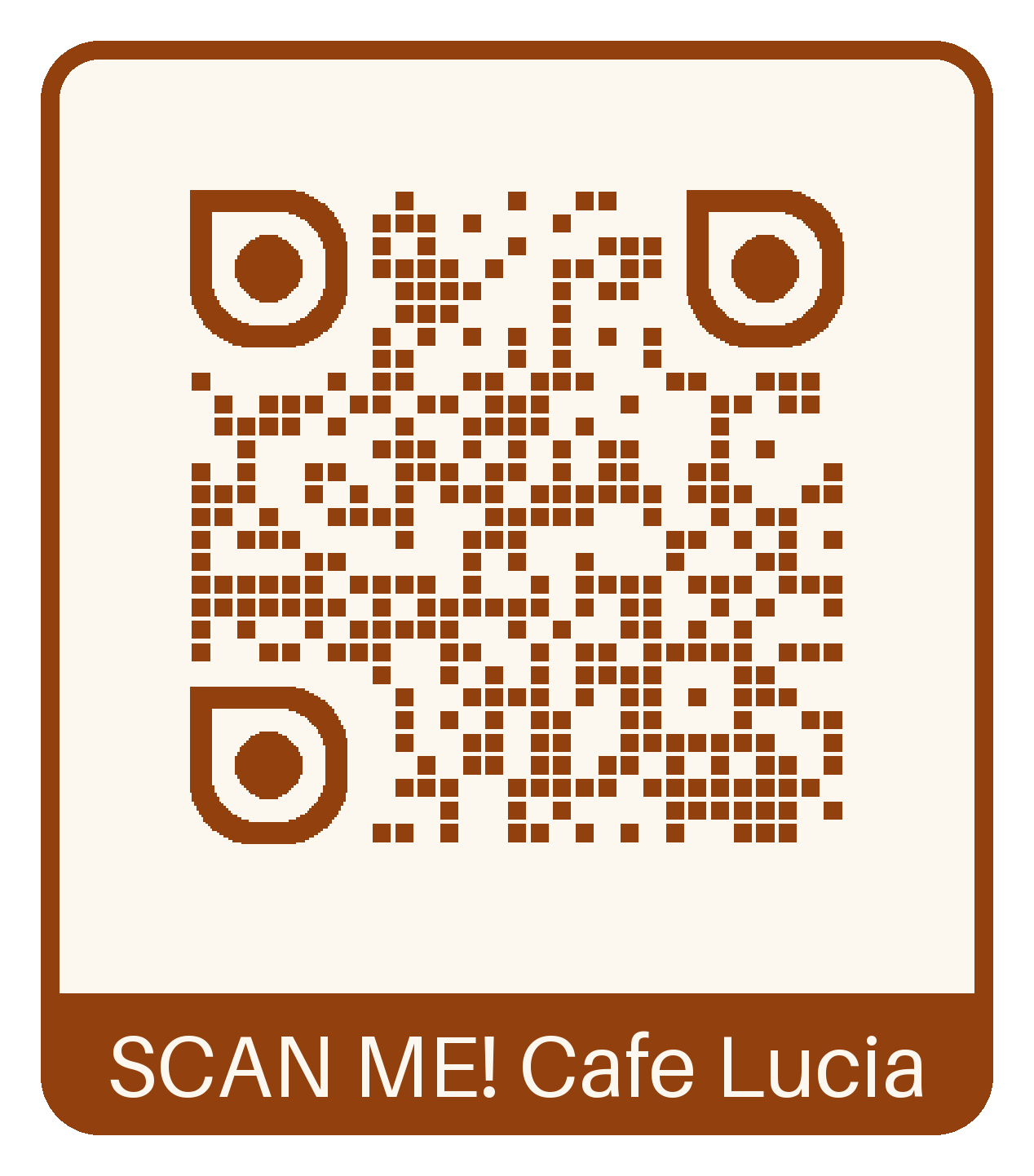 A code can carry your colours, rounded modules and a logo in the middle, and it will still scan. That is worth doing — a branded code on a menu looks like it belongs to the venue rather than like something printed off in a hurry. The studio ships twenty colour presets and nineteen frames, including labelled ones that tell people what the code is for. "Scan for the menu" beside a code is worth more than the prettiest code with no caption.
Try it before deciding
Typing an address into the builder draws the code immediately, and it scans. You only need an account to download the file — that split is deliberate, so nobody signs up for something they have not seen working.